Carestream CS 8200 3D CBCTTwo editions.
Both seriously capable.
Access for everyday 3D · Advance for full-arch planning
Same hardware, same image quality, same 75 µm endo mode. Both scan 8×9 cm as standard. The difference is how much more anatomy you can capture: Access adds a 10×10 cm upgrade, Advance includes 10×10 and full-arch 12×10 cm for All-on-4 and full-mouth planning. Installed, trained and supported by the team that scans more CBCT patients than anyone else in the UK. Rent the Access from £832.50 +VAT a month, servicing included.
Access or Advance? See the difference ↓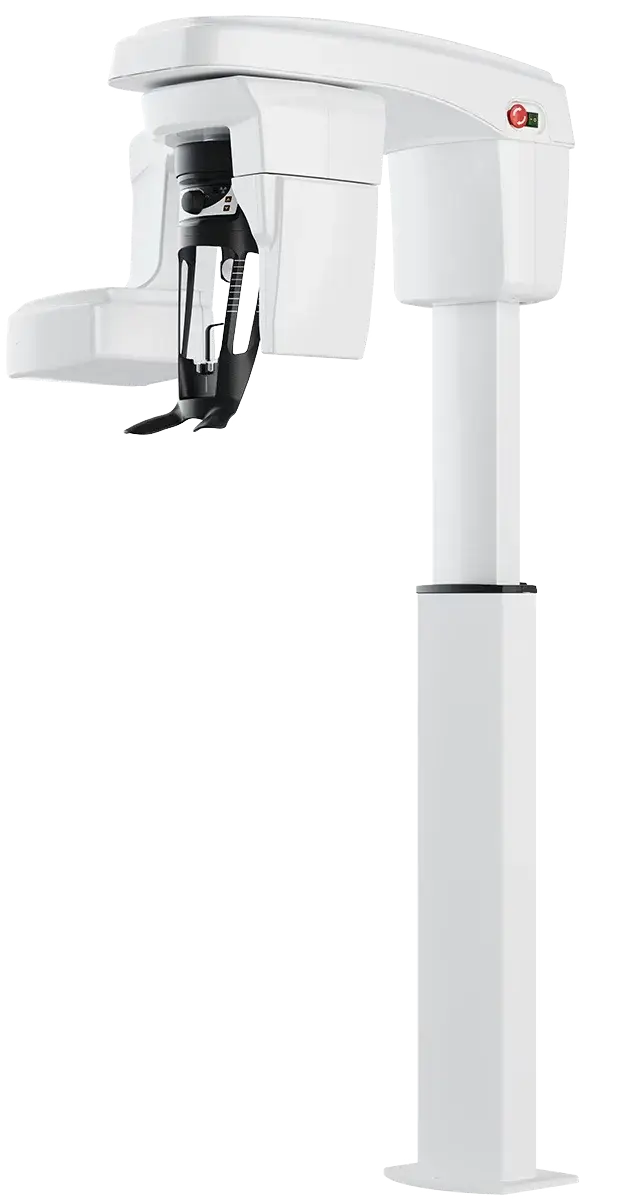
The CS 8200 Pre-Install Pack.
The exact checklist used on every UK install — room dimensions, electrical prep, RPA sign-off, training agenda. Hand it to your builder and your IT. We do this every week.
builder, IT &
RPA need
to know.
Access or Advance?
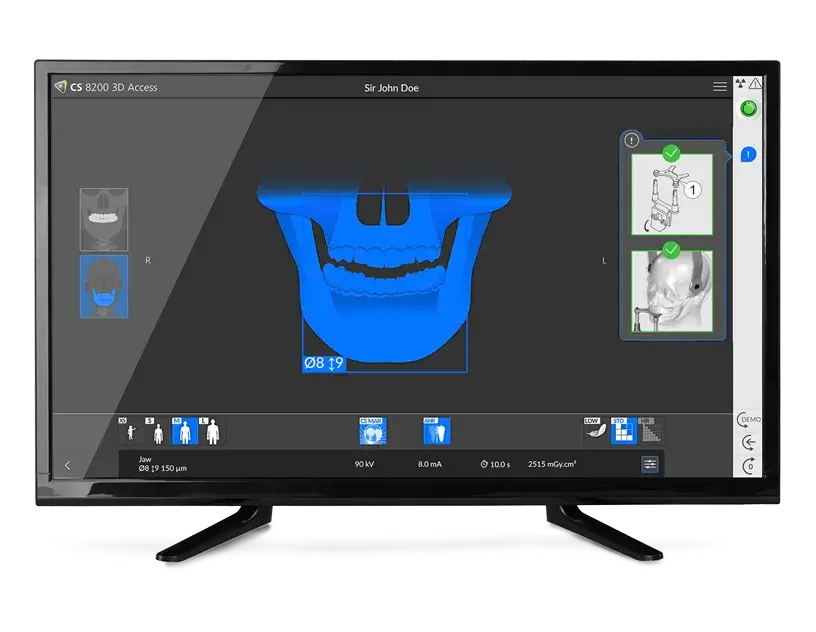
CS 8200 fields of view: same machine, different reach.
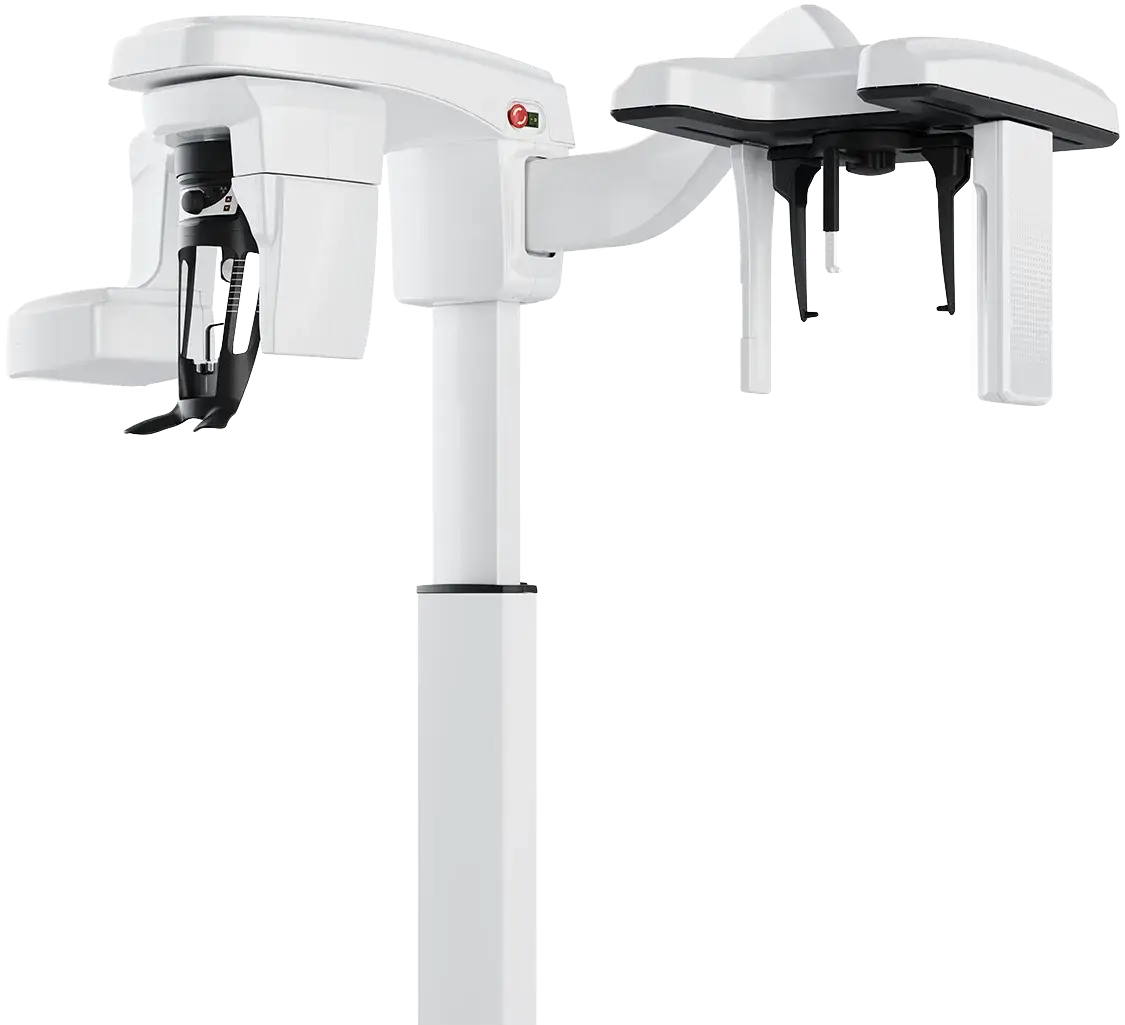
Both editions use identical hardware, the same sensor and the same CS Imaging software. The Access is excellent for the vast majority of dentists. The real difference is how much anatomy you capture in one scan.
Why the 12×10 cm matters for full-arch work.
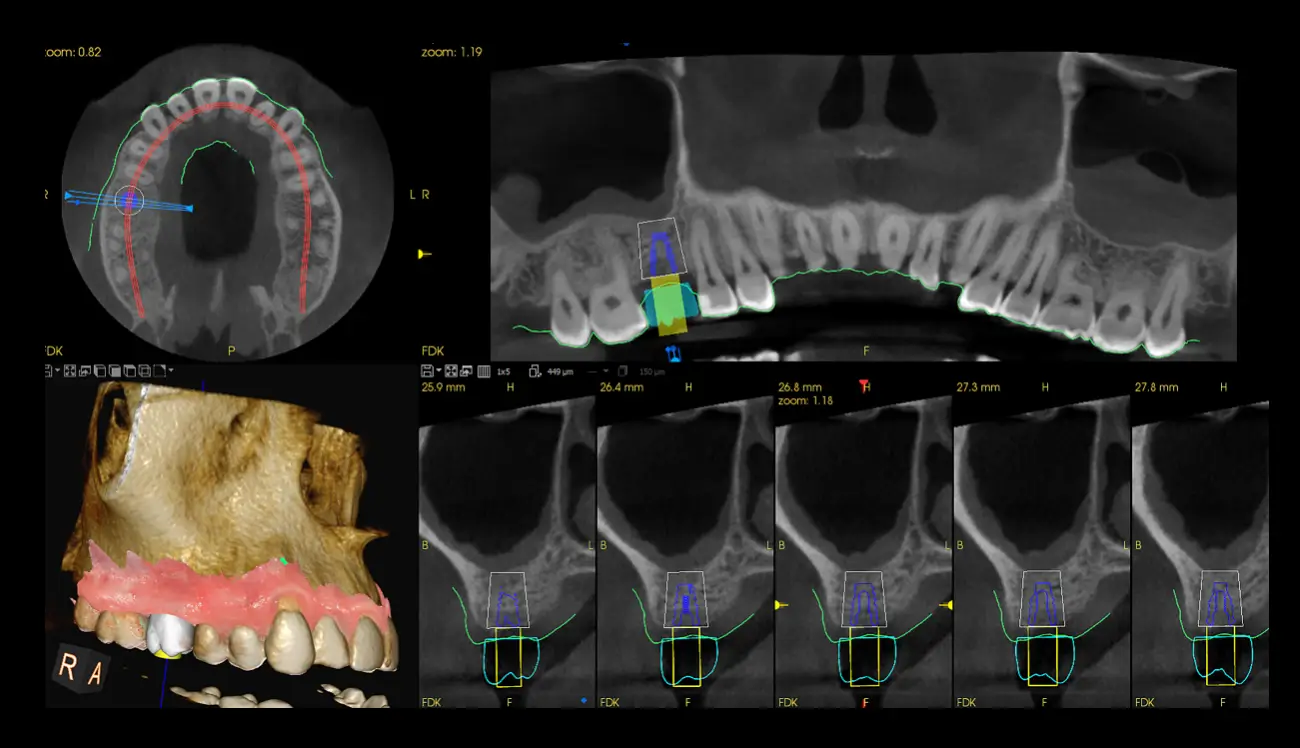
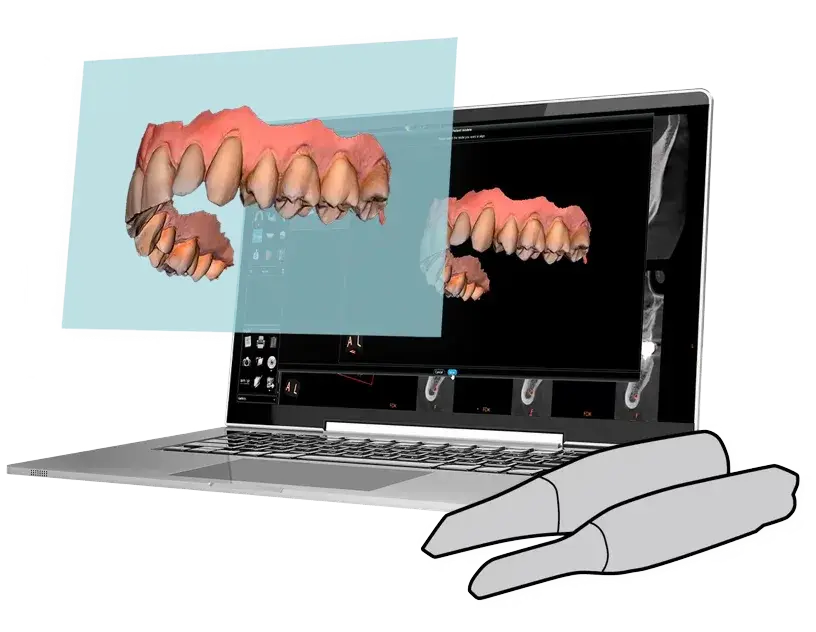
The bigger volume captures the full arch plus more of the surrounding anatomy. That extra anatomy gives the software more reference points when it stitches your intraoral scan to the CBCT, and gives you a more complete DICOM for digital implant planning and guided surgery.
Planning All-on-4, All-on-6 or full-mouth reconstruction? Advance is the route to go. For endo, single and multiple implants and everyday diagnostics, the Access does the job brilliantly.
Every field of view, and which edition has it
Pick the smallest volume that answers the clinical question. Smaller volume means lower dose and finer detail.
Endodontics, single implants, localised pathology and children.
One arch: multiple implants or several areas of interest.
Opposing teeth together, for vague symptoms or implant planning.
Both jaws: multiple implants, surgical guides and airway.
The whole mandible or maxilla: multiple impactions and implant planning.
Full-arch planning, oral surgery, periodontal exams and sinus evaluation.
Field-of-view images and figures: Carestream Dental. Every upgrade is done in software, so no hardware change and no new installation. A 16×10 cm upgrade is also available on Advance for TMJ and full-skull work, though few high-street practices need it.
What both editions share
- 8×9 cm dual-arch volume as standard on both.
- Identical hardware and sensor. Upgrade later in software, no engineer swap-out.
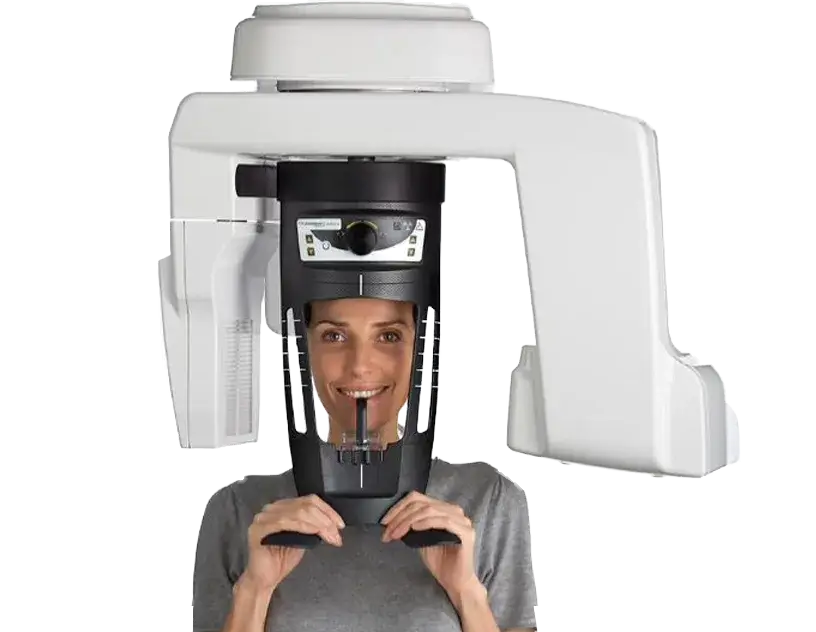
- Panoramic and 3D in one unit, with an optional ceph arm and 3D object scanning on either edition.
- Low-dose 2D and 3D imaging, plus metal artefact reduction with live comparison (option).
- Open platform. Works with third-party intraoral scanners and exports DICOM for planning software.
- CS UpStream remote monitoring (option), so faults are spotted before you lose a session.
What Advance adds
- 10×10 and 12×10 cm volumes included, for implant planning across the whole arch.
- Up to 9 fields of view, from 4×4 cm to 12×10 cm.
- Scout view to check the imaging area before you expose the patient.
- Exam parameters recorded for every patient, so repeat scans match.
- More anatomy in the DICOM, giving better intraoral scan merging for guided surgery.
Clear images around implants, crowns and root fillings.
Metal scatters X-rays. That causes the dark streaks and bright flares next to implants, crowns, posts and root fillings, and it can hide the bone and tooth structure you need to assess. CS MAR cleans up those streaks so you can see what is next to the metal.
- Available on Access and Advance, as an option.
- Live comparison. Switch between the original and the corrected image, so nothing is hidden from you.
- Most useful in restored mouths: failing implants, bone around existing crowns and bridges, and fractures or missed canals next to root fillings.
- Full-arch cases often have old metalwork. MAR gives you a cleaner starting point for planning.
Video: the same scans without and with CS MAR.
Most of your 3D work is in one area at a time
- Endodontics, including calcified canals and fractures
- Single and multiple implants
- Everyday diagnostics, impacted teeth and pathology
- You'd rather upgrade in software as your caseload grows
You plan full arches
- All-on-4, All-on-6 and full-mouth reconstruction
- Guided surgery with your intraoral scan merged across the whole arch
- You want scout view and recorded exam parameters
- You want the widest range of fields of view from day one
CS 8200 3D Access v Advance
| CS 8200 3D Access | CS 8200 3D Advance | |
|---|---|---|
| Imaging | Panoramic + CBCT, optional ceph arm | Panoramic + CBCT, optional ceph arm |
| Fields of view | 4×4 cm to 8×9 cm as standard 10×10 cm upgrade | 4×4 cm to 8×9 cm as standard 10×10 and 12×10 cm included |
| Hardware | Identical – Access upgrades to Advance by software, with no new machine and no re-installation | |
| Software | CS Imaging included as standard | |
| Best suited to | General practice, endo, single and multiple implants, everyday diagnostics | All-on-4 and All-on-6, full-mouth reconstruction, oral surgery, guided surgery |
Weighing up the cost? Read what a CBCT really costs in the UK, or compare the full Carestream CBCT range, including the CS 9600. Weighing up Acteon too? See the CS 8200 vs Optima comparison.
See the CS 8200 3D in action
CS 8200 3D Neo Edition overview
CS 8200 3D Advance features
How to do the monthly QA test
Step-by-step guide, manuals and downloads in our clinical training hub.
Don't take our word for it.
Cases written up by clinicians using Carestream CBCT in their own practices. Read the full library on our Clinical Insights platform.
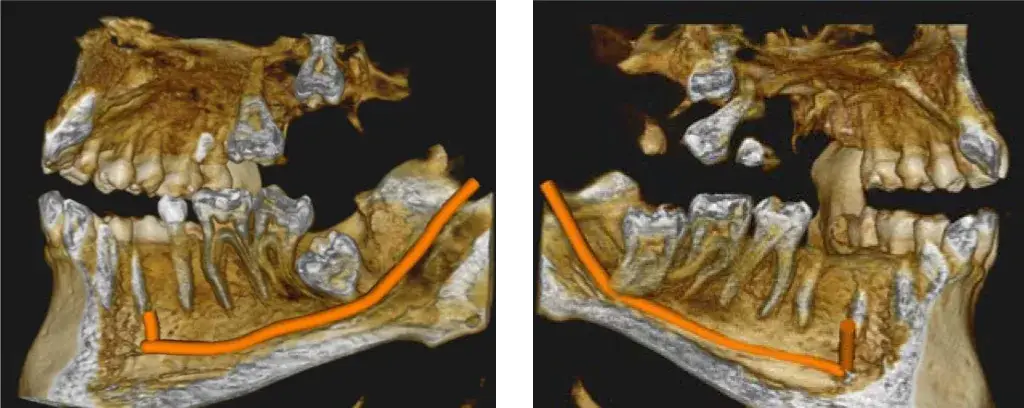
Impacted wisdom teeth touching the nerve — how CBCT changed the conversation.
"The 2D image suggested risk. The CBCT confirmed it — and gave me the language to talk to the patient about consent in a way that finally made sense to them."
Read the full case study →From CBCT scan to guided implant.
Calcified canal, failed access — dynamic navigation to the rescue.
How CBCT revealed a hidden canal that 2D x-rays missed.
Why buy from 360: we operate the same equipment we supply.
Most CBCT suppliers complete the sale, install the unit, and the relationship effectively ends there. Our model is different. Alongside supplying Carestream systems to UK practices, we operate a busy CBCT scan centre on the same hardware — reporting more than 3,000 patient scans each year. When you contact our support team, you reach engineers and clinicians who use the equipment every working day.
The only UK supplier operating its own scan centre.
Our Yorkshire centre runs Carestream CBCT five days a week. The clinicians delivering your training are the same people reporting referred scans on identical equipment — so the workflows we teach are the workflows we use.
Installation, training and support delivered in-house.
Our own engineers carry out the installation. Our clinical team trains your staff on site. Our helpdesk answers the telephone Monday to Friday. There are no third-party contractors and no cross-vendor dependencies in the support chain.
500+ UK installations across every type of practice.
From single-handed practices to multi-site groups, we have installed Carestream systems in rooms of every shape and size. The pre-installation pack you have downloaded is the cumulative output of those projects — consolidated guidance distilled from real-world experience.
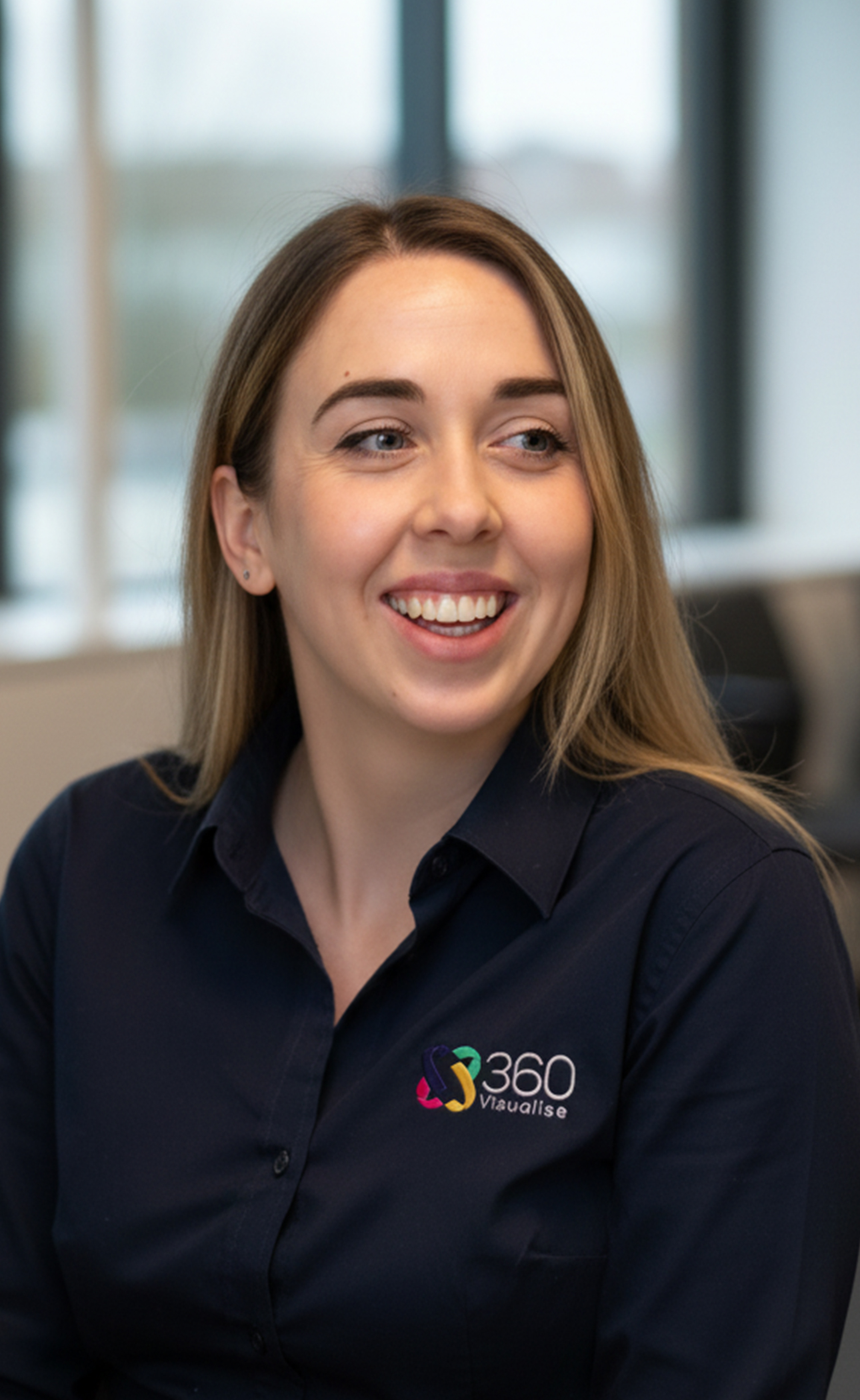
The clinician who trains your team.
Rachel — our Clinical Application Trainer and GDC-registered nurse — runs the on-site training at every install. Her view on the CS8200: “It’s the easiest CBCT I teach. Most teams are scanning confidently within their first day, and every practice I visit falls for the machine immediately — which makes my role genuinely satisfying.”
CS 8200 offers: order the machine, save on the rest.
Three things every CS 8200 practice ends up needing: trained staff, someone qualified to report, and a compliant room. Order them with the machine and we take a big chunk off. Tell your sales contact when you order. There is no extra paperwork.
 FREE
FREE2 × Level 1 CBCT reporting course.
Two of your team get our online Level 1 course free with your CBCT. They can finish it before install day, so they are ready when the machine is. Save £468
- Nine modules and 5 hours of verifiable CPD
- Self-paced, on any device
- Written by clinicians who report 3,000+ scans a year
 ½ PRICE
Level 2 CBCT reporting course.
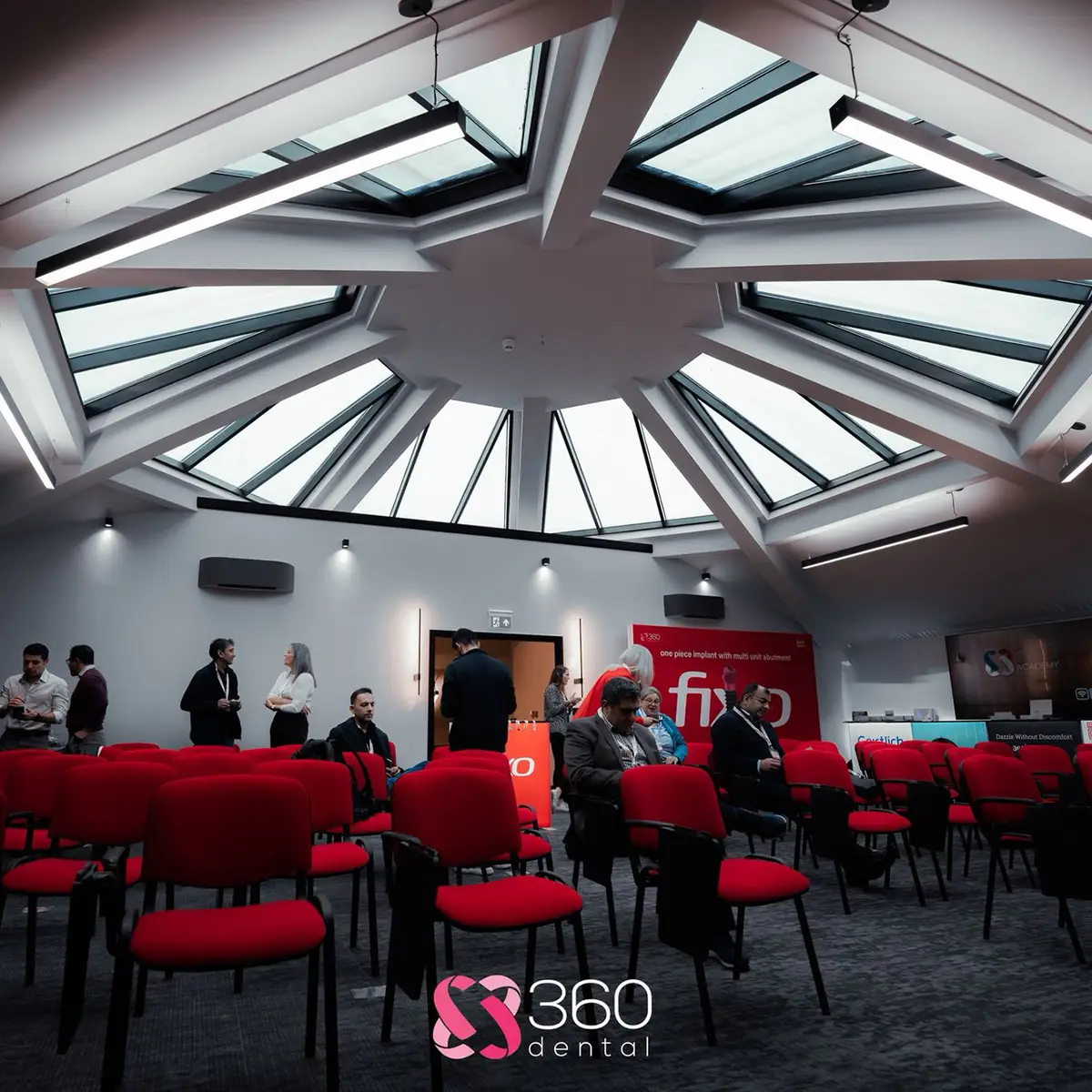
A two-day, hands-on course at our Yorkshire centre. It is how most UK clinicians get sign-off to report their own scans, and your practice will need someone qualified anyway. Order with the machine and one team member goes for half price.
- Two-day intensive with live patient scans
- Run by clinical leads who report 3,000+ scans a year
- Reporting templates and medico-legal guidance included
 30% OFF
Leaded doors and viewing windows.
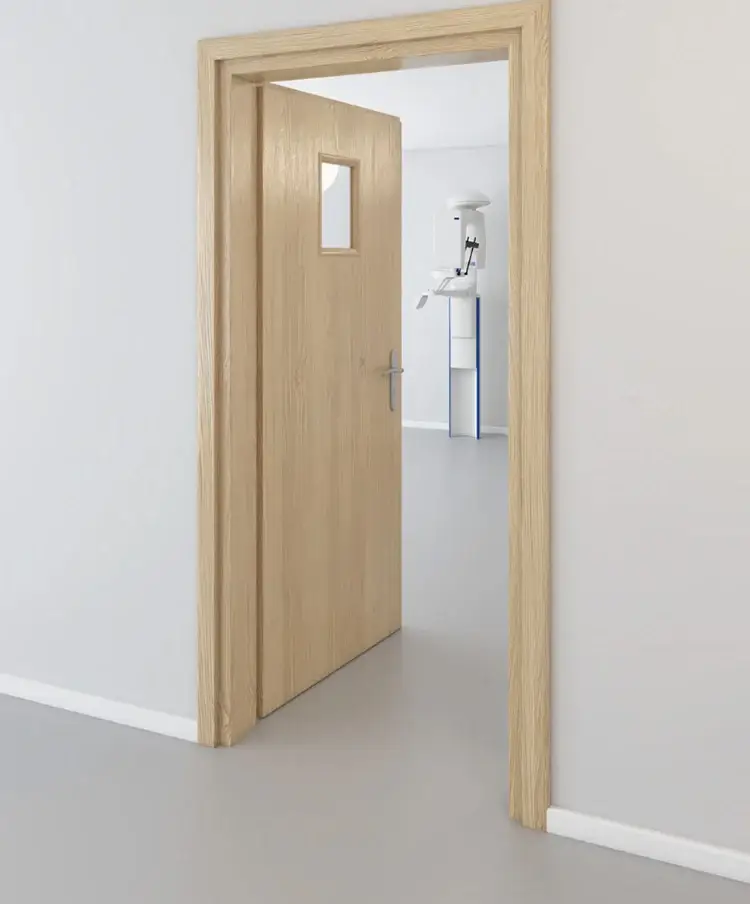
Our sister business makes lead-lined doors, viewing windows and panels to your RPA's specification. Order with the machine and we take 30% off the door price. Most practices save around £900 per door.
- Made to your RPA's lead equivalence
- Fitted by our team in the same install week
- Matching viewing windows and lead-lined plasterboard
All three offers apply only when ordered at the same time as the machine. Mention them when you request your quote.
Get the CS 8200 Pre-Install Pack.
Room dimensions, electrical checklist, IT spec, RPA process and training prep. The exact pack we use on every UK install.
What our CBCT customers say.
Carestream CS 8200 questions, answered.
What's the smallest room you can fit it in?
Without ceph: 1.5 × 1.0 m comfortably. With ceph arm, allow ~2.5 × 1.5 m. Page 3 of the pack has full dimensions and we'll measure your room ourselves on a free site visit.
Do I need lead lining?
Sometimes — depends on adjacent rooms and your RPA's assessment. The CS8200's scatter dose is similar to a digital OPG. We supply lead-lined plasterboard, leaded doors and viewing windows if your RPA requires them.
Is a warning lamp legally required?
Less often than people assume. Older guidance (HPA 2010) treated them as effectively mandatory; today's RPAs typically weigh scatter dose, room geometry and footfall before specifying. Your RPA decides — we'll fit one if asked.
How long from order to scanning patients?
Typically 6–8 weeks for a straightforward room. Most of that is your builder + RPA sign-off — once it's fitted we install in a day, train the next, and you're scanning live patients on day three.
Can I upgrade Access to Advance later?
Yes — same chassis, software unlock only. No engineer call-out required for the upgrade itself; we'll handle it remotely once your licence is updated.
What's the ongoing cost?
Annual service £595 per year. This includes full calibration and firmware updates.
What's the difference between the CS 8200 3D Access and Advance?
They share the same hardware and software. Both cover 4×4 cm to 8×9 cm as standard. Access can add a 10×10 cm upgrade. That covers the vast majority of dentistry: endo, single and multiple implants and everyday diagnostics. Advance includes 10×10 and 12×10 cm. The extra anatomy helps when stitching an intraoral scan to the CBCT, so it is the one to choose for All-on-4, All-on-6 and full-mouth reconstruction. Both can take an optional ceph arm.
Does the CS 8200 3D take panoramic X-rays too?
Yes. It is a panoramic and CBCT unit in one, so it can replace your existing OPG. Either edition can also take cephs with the optional ceph arm.
What software comes with the CS 8200 3D?
CS Imaging is included as standard, for viewing, measuring and reporting your scans. You can also export scans to third-party implant planning and guide software.
How much does a Carestream CS 8200 3D cost?
It depends on the edition and options, so we give you an all-in quote. You can buy outright, on finance through Bramar, Performance Finance or Aspired Finance, or rent the Access from £832.50 +VAT a month (or compare CBCT rental options). Our CBCT cost guide shows what a ready-to-scan price should include.
See the CS 8200 at our office.
Our Yorkshire scan centre runs the CS 8200 every day. Spend a morning with us: watch it scan, try the software and talk to the clinicians who use it.
Order with the machine and get 2 free Level 1 course places, a half-price Level 2 place and 30% off leaded doors. See the offers ↑
Accessories, consumables & ongoing care.
Held in UK stock, dispatched from Yorkshire, supported by the team that already knows your machine.
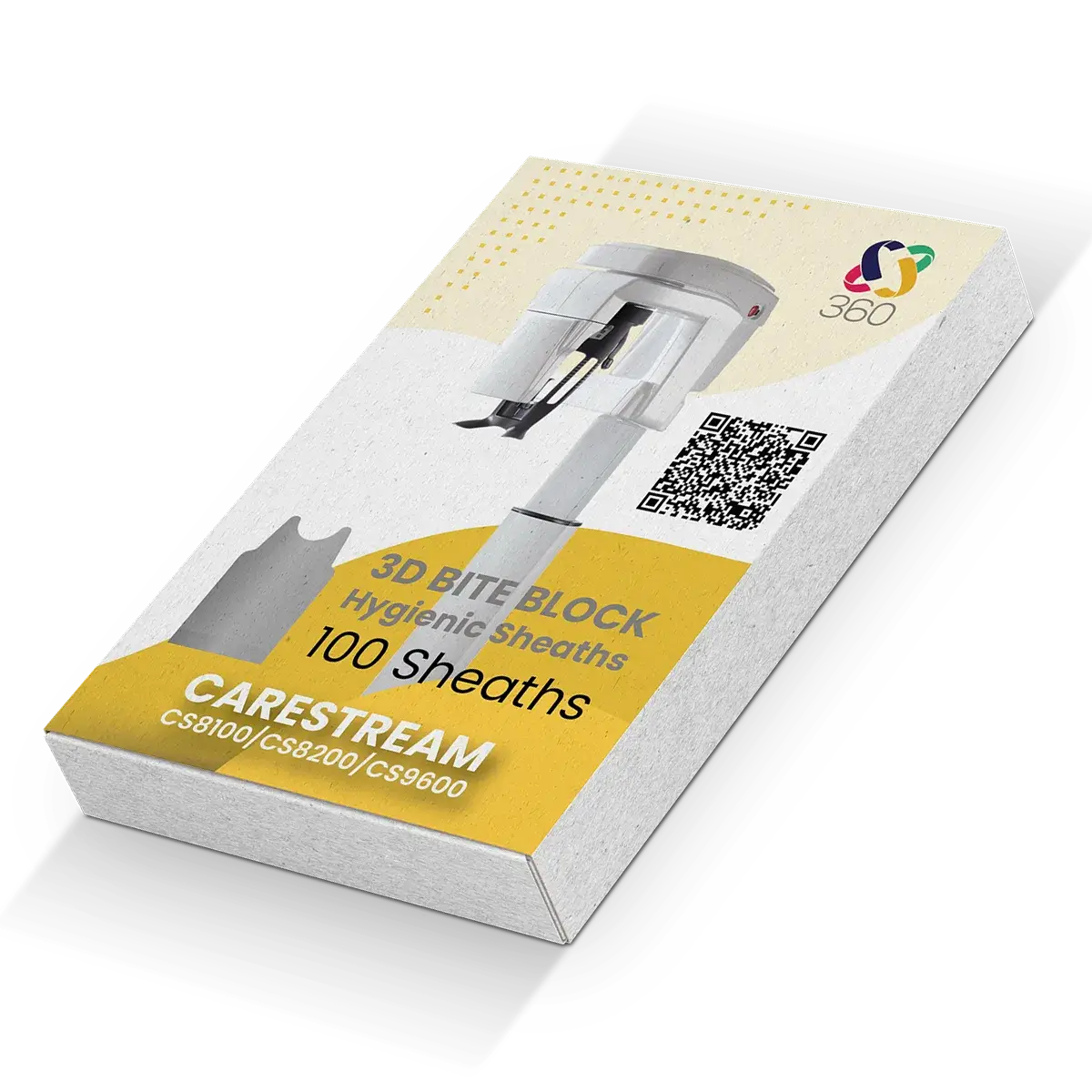
CBCT 3D sheaths.
Direct-fit hygienic sheaths for the CS 8100, 8200 and 9600 bite blocks. 100 per pack, radiolucent, CE marked.
View & order →
CBCT bite blocks.
Replacement bite blocks for the CS8200 and other Carestream CBCT systems. UK stock.
View & order →
OPG bite blocks.
Replacement bite blocks for Carestream panoramic systems. UK stock.
View & order →Book a service.
Annual service or as-needed visit by our own engineers. Calibration, firmware updates, fault diagnosis.
Email to book →Ask about a service contract.
Annual cover from £595/yr. Includes calibration, firmware, priority response and discounted parts.
Email to enquire →Book refresher training.
New staff? Workflow gaps? On-site or remote training with our clinical application team.
Email to book →