Which CBCT is best
for your practice?
The right machine depends on your caseload, your space, your software, and your plans. This page explains what each machine’s specifications mean in real clinical work. Then our team helps you choose. We scan more than 3,000 patients a year on these machines.
Or call 01943 601222
Every machine on this page takes an excellent scan.
The difference is the fit with your workflow.
The right choice depends on field of view, software, and space — matched to the dentistry you do. A good match works from day one. A bad match means you need a new machine in two years.
What the specs mean for you.
Every machine comes with professional installation, a full day of RDN-led training at your practice, and a dedicated WhatsApp support group. The full spec table is further down.
3D imaging that grows with your caseload.
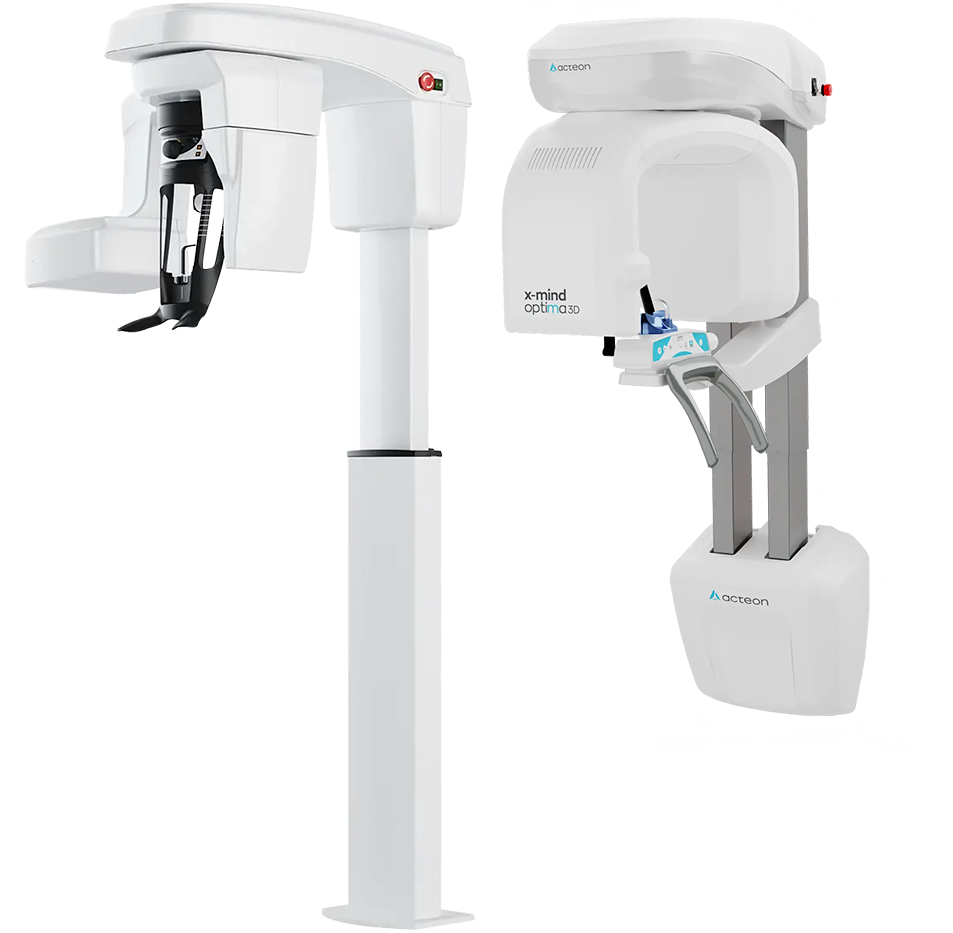
The Access is a highly capable 3D unit, built on the same Carestream platform used by hundreds of UK practices. You can unlock more fields of view later with a software key. The machine grows with your practice.
3D imaging without losing a room.
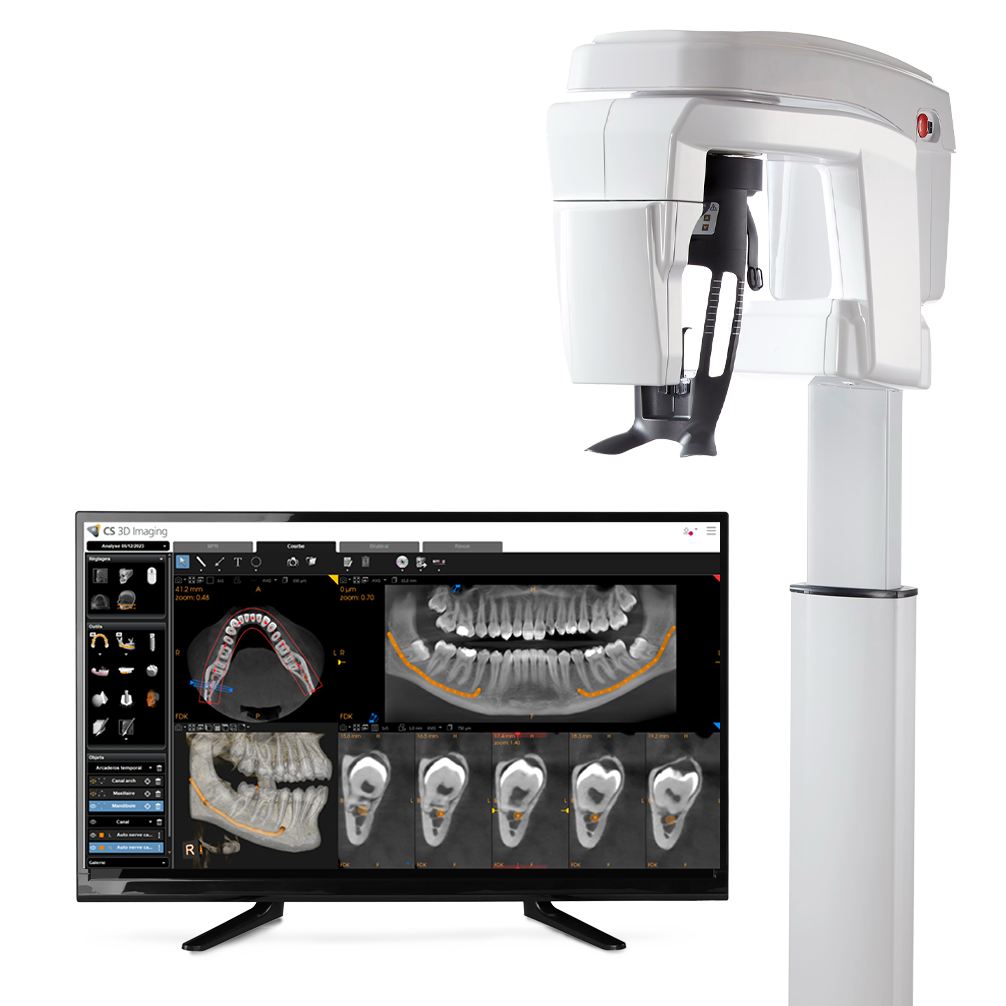
The Optima puts panoramic and CBCT imaging into one compact unit. It is ideal if your practice has limited space, or if you are replacing an old OPG and adding 3D at the same time.
The cases you currently refer out stay in your practice.
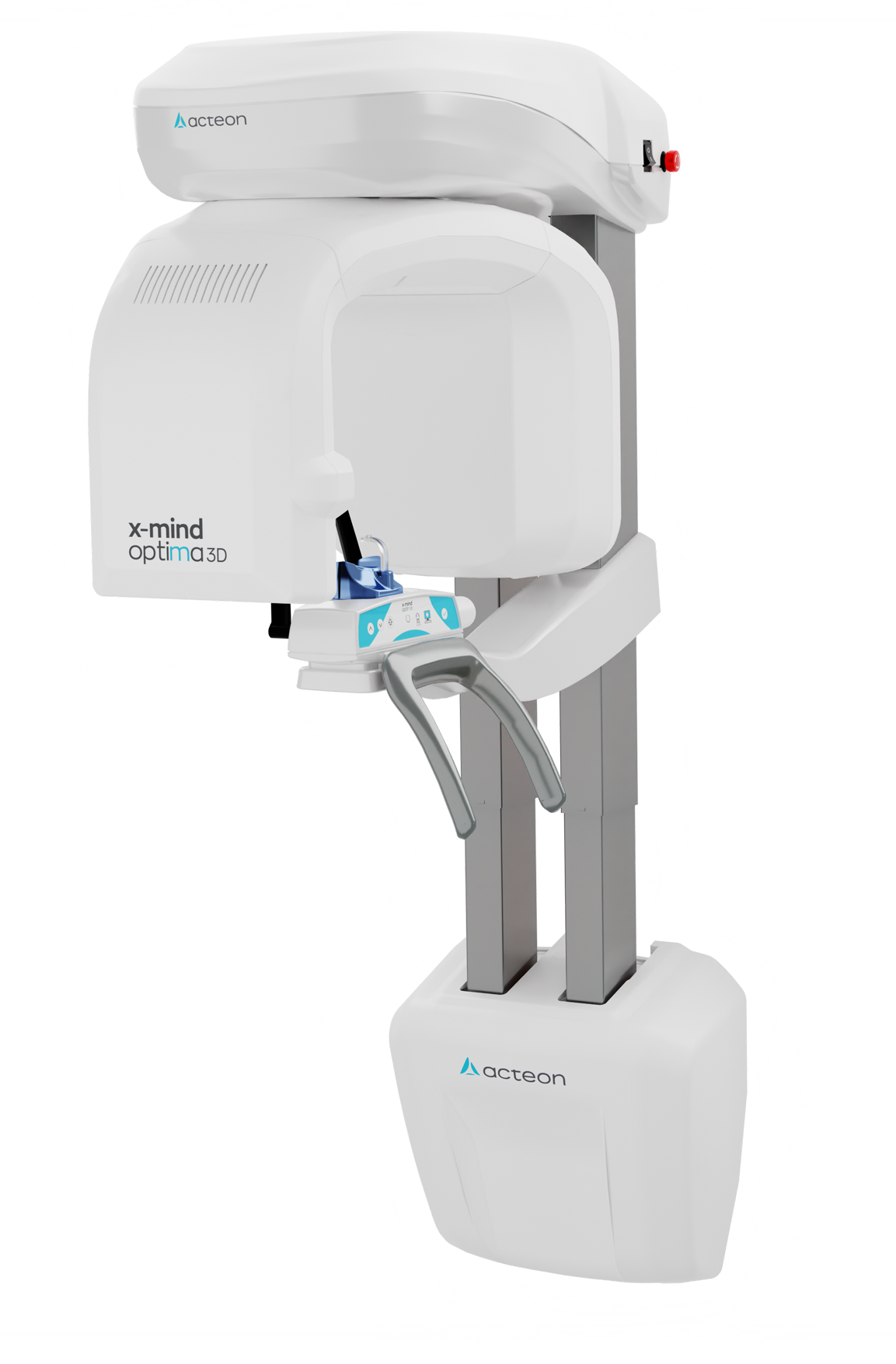
The Advance is the machine most of our implant customers choose. It comes with fields of view up to 12×10 cm as standard – full arch for implant planning – on the same proven platform as the Access. A larger 16×10 cm volume is available as an option. It is the difference between planning a single implant and planning an All-on-X.
One machine for every clinician in your practice.
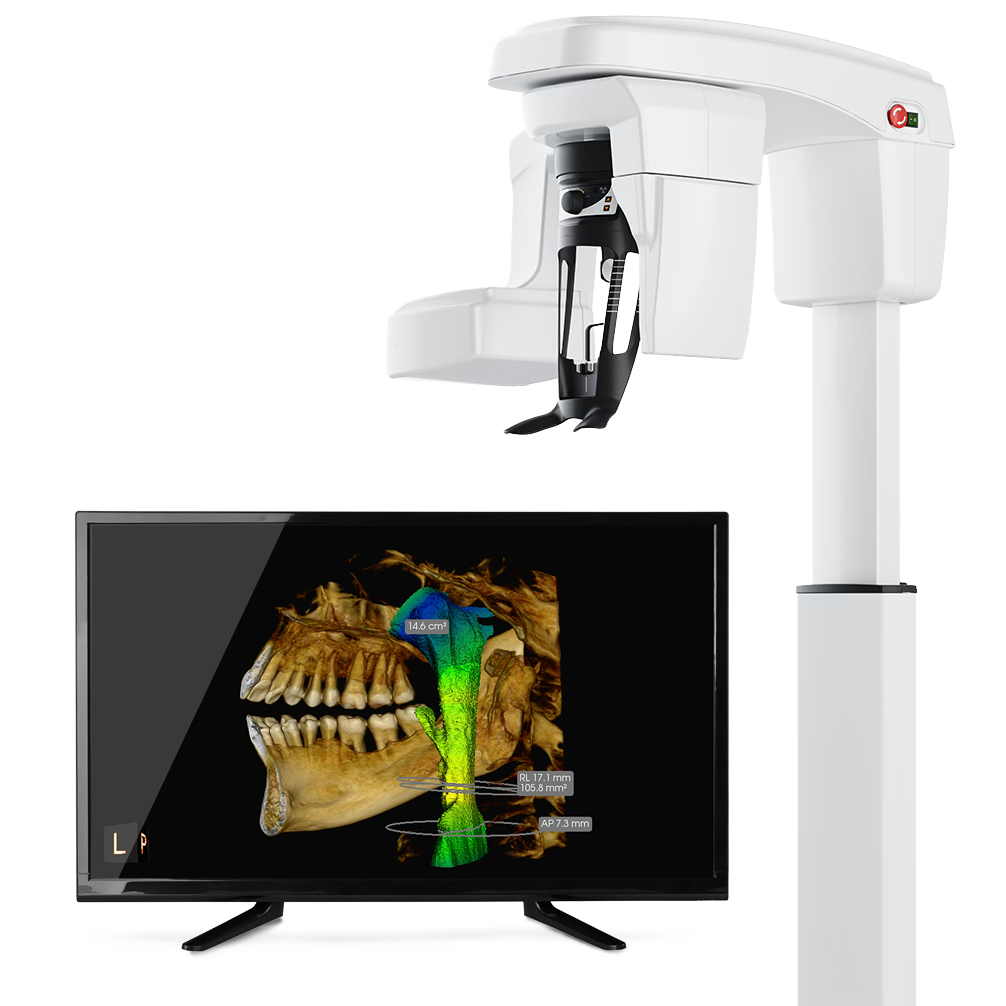
The CS9600 is Carestream’s most advanced CBCT and the most capable machine we sell. It is built for practices where many people share one scanner — multiple clinicians, multiple specialties, and referrals from other practices.
Not sure which machine fits?
Ask the team that uses them every day.
Three ways to reach us. Every enquiry goes straight to the team — not a call centre.
Mon–Fri, 9am–5:30pm. Speak to a real person who knows these machines.
Full specifications, side by side.
All figures from published manufacturer specifications.
|
CS8200 Access
Carestream · Everyday 3D
|
Acteon Optima
Acteon · Pan + CBCT
|
CS8200 Advance
Carestream · Advanced 3D
|
CS9600
Carestream · Flagship 3D
|
|
|---|---|---|---|---|
| Field of View (FOV) | ||||
| Smallest FOVHigh-res endo / single implant | 5×5 cm | 4×4 cm | 5×5 cm | 5×5 cm |
| Mid FOVImplant planning / quadrant | 8×9 cm | 8×8 cm | 8×9 cm | 8×8 cm |
| Largest FOVFull arch / full facial | 8×9 cm 10×10 option |
12×10 cm | 12×10 cm | 16×17 cm |
| Total FOV options | Up to 5 | Up to 6 | Up to 11 | Up to 12 |
| Upgradable FOVAdd more options later | ✓ Software key | ✓ | ✓ | ✓ |
| Image Quality | ||||
| Voxel size (smallest)Lower = sharper detail | 75 µm | 70 µm | 75 µm | 75 µm |
| Sensor technology | Flat panel CMOS | CMOS | Flat panel CMOS | Flat panel CMOS |
| HD / extended resolution | ✓ | ✓ | ✓ | ✓ |
| Panoramic / OPG | ||||
| Standard panoramic | ✓ | ✓ | ✓ | ✓ |
| Cephalometric (Ceph)Optional attachment | Optional add-on | Optional add-on | Optional add-on | Optional add-on |
| Clinical Applications | ||||
| Endodontics | ✓ | ✓ | ✓ | ✓ |
| Single implant planning | ✓ | ✓ | ✓ | ✓ |
| Full arch implants / All-on-X | ✓ | ✓ | ✓ | ✓ |
| Surgical eighths / impactions | ✓ | ✓ | ✓ | ✓ |
| Orthodontics | ✓ | ✓ | ✓ | ✓ |
| ENT / sinus / airway | ✕ | Partial | ✓ | ✓ Full facial |
| Multi-specialty / referral centre | Possible | Possible | Possible | ✓ Ideal |
| Dose & Technology | ||||
| ALARA dose optimisation | ✓ | ✓ | ✓ | ✓ |
| AI-assisted positioning | ✕ | Partial | ✕ | ✓ |
| kVp range | 60–90 kVp | 60–90 kVp | 60–90 kVp | 60–120 kVp |
| Remote monitoring | ✓ CS UpStream | ✓ | ✓ CS UpStream | ✓ CS UpStream |
| Software | ||||
| Software included | CS 3D Imaging | X-MIND Suite | CS 3D Imaging | CS 3D Imaging |
| Open scanner platform | ✓ | ✓ | ✓ | ✓ |
| Implant planning software | ✓ | ✓ | ✓ | ✓ |
| 360 Visualise Support | ||||
| Installation included | ✓ | ✓ | ✓ | ✓ |
| RDN clinical training | ✓ | ✓ | ✓ | ✓ |
| Dedicated WhatsApp group | ✓ | ✓ | ✓ | ✓ |
| View Access → | View Optima → | View Advance → | View CS9600 → | |
Which CBCT is best for endo, implants and ortho?
Match the field of view and resolution to the work you do most. Here is what we recommend after installing and using these machines every day.
What is the best CBCT for endodontics?
The Carestream CS 8200 3D Access and the Acteon X-Mind Optima. Both take small-field, high-resolution scans at a low dose – 75 µm on the Access and 70 µm on the Optima’s micro field – which is the detail endodontic diagnosis needs.
What is the best CBCT for dental implants?
For single implants, the CS 8200 3D Access is usually enough. For full-arch implant work and guided surgery, choose a 12×10 cm volume: the CS 8200 3D Advance or the Acteon X-Mind Optima both offer this as standard.
What field of view do I need on a dental CBCT?
8×9 cm covers endo and single implants. 10×10 cm is the sweet spot for many practices, as it captures the wisdom teeth without scanning the spine. 12×10 cm gives the full arch for implant work. Larger volumes, up to 16×17 cm, suit ortho and maxillofacial work.
The machine is half the decision.
The supplier is the other half.
We are a small, specialist team — and we use CBCT every day in our own scanning clinic.
Clinical insights
See what CBCT finds that 2D misses
A hidden canal that 2D X-rays missed · CBCT scan to guided implant, step by step · Wisdom teeth touching the nerve · All CBCT case reports →
Get a clear recommendation
for your workflow.
One call about your caseload, your room and your software. You will know which machine fits, and why — from a team that uses these machines on patients every day.
Prefer to rent? CBCT rental from £499 +VAT a month →
01943 601222 · Mon–Fri 9am–5:30pm